

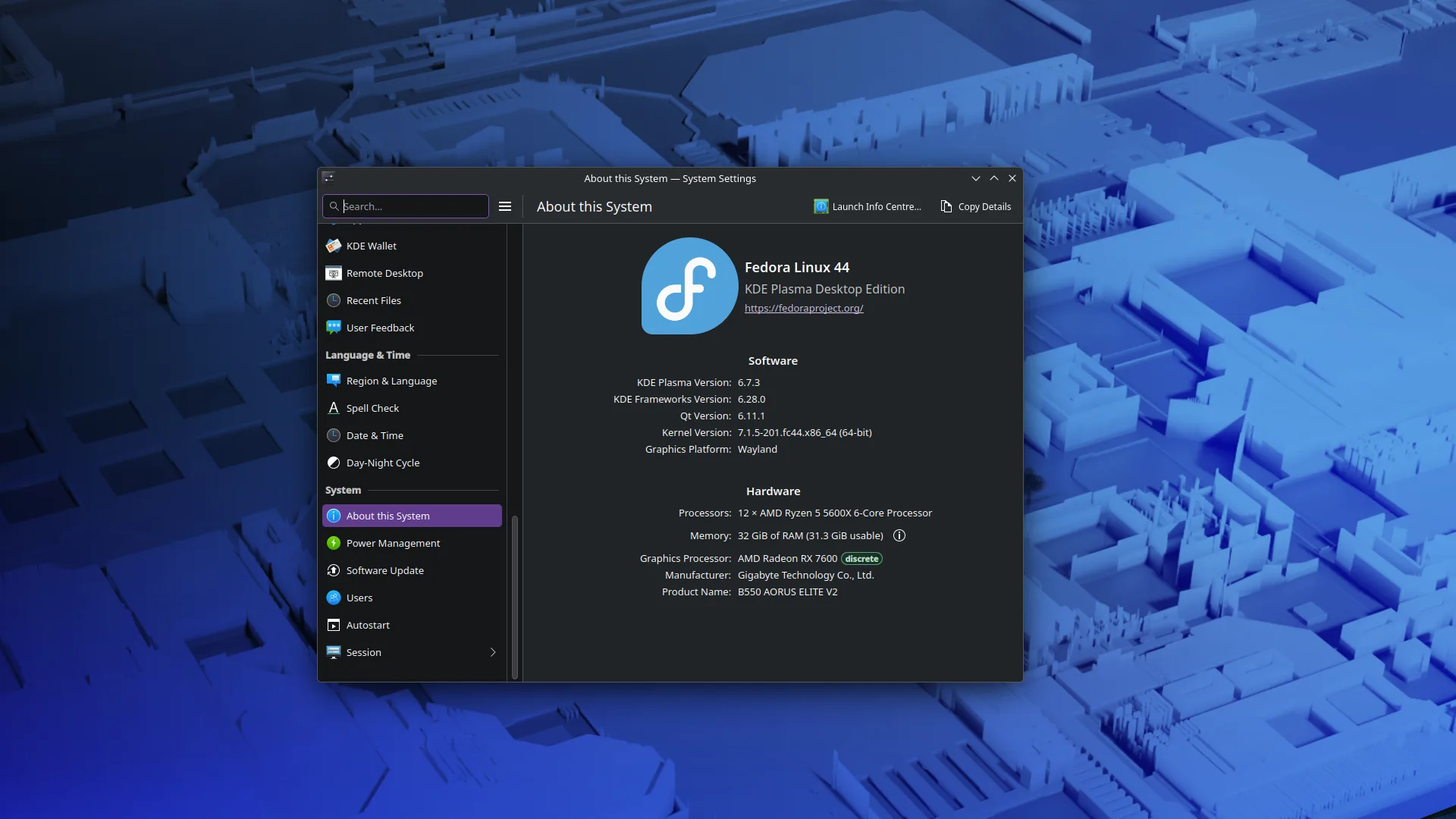
Two years into full-time Linux and I’m finally burning the distro-hopping cycle. I fell for the Arch/AUR trap for a while, but I got tired of spending my weekends debugging file manager crashes instead of maintaining my home lab.
Switched back to Fedora, and it’s boring in exactly the way I need it to be. It’s a stable launchpad for my projects, not the project itself.
Luckily for me, I switched from Cachy to Fedora kde right before the AUR attacks started happening. Fedora honestly feels like home to me now. I customized it to have a very Gnome like workflow, and its working flawlessly for me.
Dude, if you documented your process for this, could you share the configuration with me, please? I’ve been trying (on and off) to do precisely that because of how walled GNOME has become between GNOME 39 and now, but my results have been “less than spectacular” to say the least. I think I just need a starting point, but the videos on YouTube about that are not really practical. I’m on GNOME because I just love the whole workflow, but would rather be on Plasma with the Gnome workflow if possible. That would be great. If not, well FUCK YOU! Just kidding, lol (about the fuck you, I still would love a starting point on this 🤣)
Why not fedora gnome? 🤔
Gnome has slowly become like a DE made by Apple. Even trying to configure it to use a screen shot app other than the integrated one is a fucking chore, they want you to forcibly use theirs, which is great for basic screen shooting, but I’m more of a flames hot fan because of how seamless it is to annotate on any shot instead of taking the shot, having to use a second app to edit/annotate, and then, I don’t know when it started, but every screenshot gets saved as a picture now, no way to just use it with the clipboard and let it disappear on the next SC or copy.
Then there’s the mentality. In GNOME If a feature doesn’t fit the design language, no matter how popular, it’s rejected. Dissenting opinions on design choices are almost always met with “trust the process.”
Im actually curious…is there any other de that goes for kind of a gnome like workflow or design language but maybe a bit more customizable and open? I’ve honestly really only use Cinnamon and KDE so far (i came from windows originally) so I’m not quite accustomed to all the different de choices. Also, what do you use yourself?.
I’m in a similar situation as you. I’ve been a Gnome user since Gnome 2, but want the same as you, which is why I asked for the configuration in Plasma to have a starting point.
I just spun up a new Fedora KDE install to try again (for the 100th time) to achieve the same workflow I’m used to in GNOME (mostly it’s having an app grid instead of an app menu, dynamic workspaces and ‘dash-to-dock’ functionality). There are some things that have been incredibly hard for me in KDE in terms of ease of access, like how ‘Alt-tab’ doesn’t seem to work across workspaces, then Plasma in default is just too crowded when compared to Gnome. But I think KDE is far superior in terms of customization, and I can easily have various windows of the same app open and traverse across them with alt-tab, whereas in Gnome alt-tab will only work across apps, not separate windows of the same apps.
So, like you, I’m still trying to make my DE my own, but it is fun, and I am learning a lot doing it.
Oh oops I almost ignored that other reply by accident my bad. I pretty much just followed along with a youtube video and copied what he did…hold on lemme get the link to it, maybe it helps. https://www.youtube.com/watch?v=wurtYbHpc7o. Sorry if it doesn’t help, I kinda just look up things as I go along or watch vids. Also not really the best at explaining things, my mind works in kind of an odd and abstract way so I suck at explaining things in a coherent way.
Hey, thanks so much. I’ll try this video. I really appreciate it.
Once I’m done, I’ll come back to let you (and everyone else) how it went.
For now, have an amazing week.
Isnt gnome a bit more resource intensive? also like the option of more customization if i ever wanna change the layout or aesthetic.
You can customize gnome pretty far. The code to have normal human minimize/maximize/close buttons is all still there, and the window bar is there as well. You just have to know which programs to pull from dnf that know what
registrydconf settings to adjust. I have yet to find a use case for nautilus between Dolphin (KDE) and using a terminal.Huh good to know. Will be honest I’m a pretty slow learner, but I do find it pretty fun to explore all the options I get on linux. Knowing me it will probably be years until I find a de (or maybe a tiling window manager) thats perfect for me. Been using linux for maaaaybe 1 1/2-2 years but I still feel like a beginner in a lot of ways.
Install gnome-tweaks. It’ll be under “Accessories” or you can search for it in their activities travesty. There are some gnome-shell-extension-X things to install as well before you head into the tweaks program. They all used to be part of gnome-tweaks and now they’re not. If I recall a helpful web lookup occurs when you’re messing with that stuff and tells you what package to install.
gnome can be rough until you tailor it to your usage or if you’re in an austere environment with no internet. I think all those settings can be changed via editing dconf directly, but I don’t know how, and at this point in my life I don’t really feel like trying to hack a user experience provided to me into usefulness (no root, admin doesn’t want to use linux at all so he sets up the minimal least risky thing he can and won’t change it). gnome’s interpretation of “minimal” is pretty painful.
I use LXQT when I can. I’ll get around to trying modern KDE at some point.