

- cross-posted to:
- privacy@lemmy.ml
The recent federal raid on the home of Washington Post reporter Hannah Natanson isn’t merely an attack by the Trump administration on the free press. It’s also a warning to anyone with a smartphone.
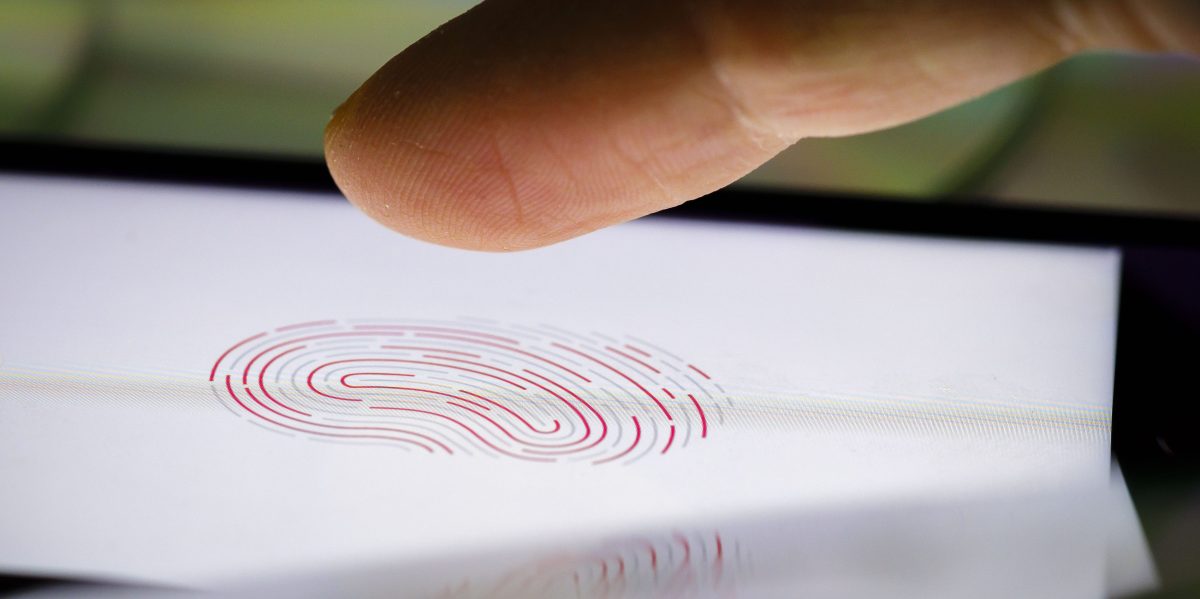
Included in the search and seizure warrant for the raid on Natanson’s home is a section titled “Biometric Unlock,” which explicitly authorized law enforcement personnel to obtain Natanson’s phone and both hold the device in front of her face and to forcibly use her fingers to unlock it. In other words, a judge gave the FBI permission to attempt to bypass biometrics: the convenient shortcuts that let you unlock your phone by scanning your fingerprint or face.
Andoid implemented a lockout mode that when you activate, disables biometrics, usb access and hides notification.
Its been available since the OneUI update.
You activate by holding power and selecting lockput (where reset would be)
OneUi isn’t ‘android’, it’s ‘samsung’
It’s Lockdown on a stock Pixel.
I’ve got a pixel and it will not allow biometrics on a hard power off or restart, only for login from a previous session. if I was a journalist I’d be resetting my phone constantly if I had sources to protect.
It also hard locks if its been 24 hours since a password was typed. You can also intentionally cut your finger or fuckup your face guarantee biometric lockout. If you think you’re about to be arrested and you have fingerprint unlock you can just slice or burn your finger.
You can also just disable it, which is much more secure. You can have it not open your locked phone but still be used to verify it’s you in apps which is also nice.
Thanks I don’t know if this is built into general android OS or just the oneUI. But wanted to get it out there
iPhone/iPad/iWatch does this when you hold the power button to bring up the “turn off” slider. I’m pretty sure stock Android is similar. It’s great because it can be done in your pocket without even looking. I wish more people knew this, and did it every time they go through a security checkpoint or see a fascist in their periphery.
For me at least it’s tap power button 5 times rapidly, rather than holding it, on iPhone.
Or hold power + volume down
Edit: Do keep in mind that this doesn’t reset your phone to Before First Unlock status, so it’s still vulnerable to tools like cellebrite. This only disables Face ID until you enter the passcode again. For better protection, you’d want to fully shut down your phone, which MIGHT protect it from unlocking altogether, or it might not. If they can’t have it unlocked right away, they can get it in a few months or years since you won’t be getting security updates and they do discover new vulnerabilities every now and then.
On my android the 5-tap activates SoS mode. Holding power for a moment gives the power off and lockdown option, as does pressing power+volup simultaneously. Power+voldown appears to be screenshot.
Most of these options will still keep the phone “active” though so I’m not sure about USB based hacks. If encryption is enabled I believe that forcing a reboot/shutdown means the data on the phone isn’t accessible until after unlocking via PIN/password on boot.
Oh yeah, so basically this will only protect from the police forcing you to look at your phone or touch the fingerprint sensor. It doesn’t actually reset to BFU so you do indeed have to shut it down fully to be more protected. I probably should’ve mentioned that in my previous comment
I can’t find it? Do I need to enable it somewhere ?
Yes . Need to enable in settings. Look for “lockdown mode” in security section
Enabled it, it’s in lock screen security settings. But I don’t see amy difference with regular power button single press
Im told it may be a Samsung OpenUI thing. Not on base android os
I have a Samsung
Thanks, I actually didn’t know about that. I had to enable it in settings for it to show up.
This would be much better if it could be triggered by touching the fingerprint sensor with a specific finger. I’m disappointed that isn’t a feature yet.
Its a built in feature for android. Bw glad that have it at all.
Are you saying I should never talk about how things could work better? Fuck that.
No. Talking about solutions today not a wish list for some future Fed raid